




tangible T4 Editor 2.5.0 plus
UML modeling tools
Quickly write your own .NET Code Generator via T4 Text-Templates (.tt-Files) with Intelli-Sense & Syntax-Highlighting. tangible T4 Editor comes with UML-Style modeling tools and can generate from diagrams, database schemas, xml, word, excel sources, or any other data source. Microsoft T4 looks and smells like ASP.NET - it is simple! T4 is used in ASP.NET MVC, Entity Framework and DSL Tools. The Microsoft T4 Generation Engine is already built into Visual Studio, however Visual Studio does not provide an Code-Editor for it. That is why we created the tangible T4 Editor for Visual Studio. You can now accelerate your projects by adopting Microsoft T4 today and generate the code you need directly from diagrams, database schemas, xml files or other sources - Write less, achieve more.
Version 2.5.0 is available: Visual Studio 2010-2017 and 2019 Support
Rich Editing Expericence: Using the Visual Studio Editor (WPF)
New T4 template gallery - benefit from sharing templates
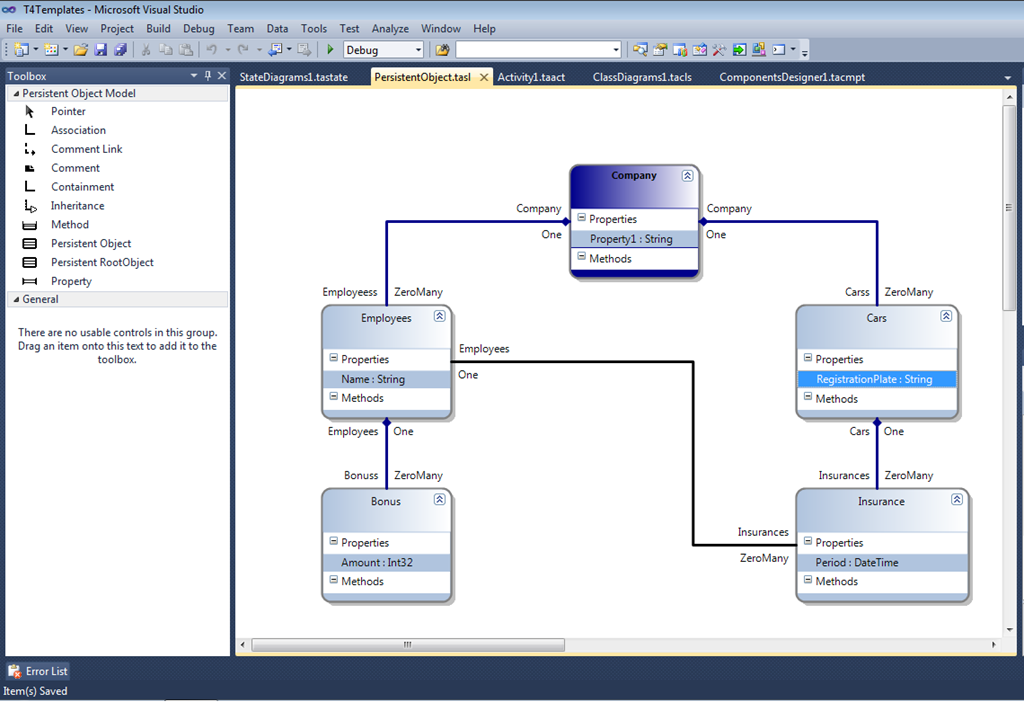
Extensible UML-Style Diagrams - add custom properties to classes / relations in diagrams via stereotypes
Key Features
T4 Template Editor & Debugger
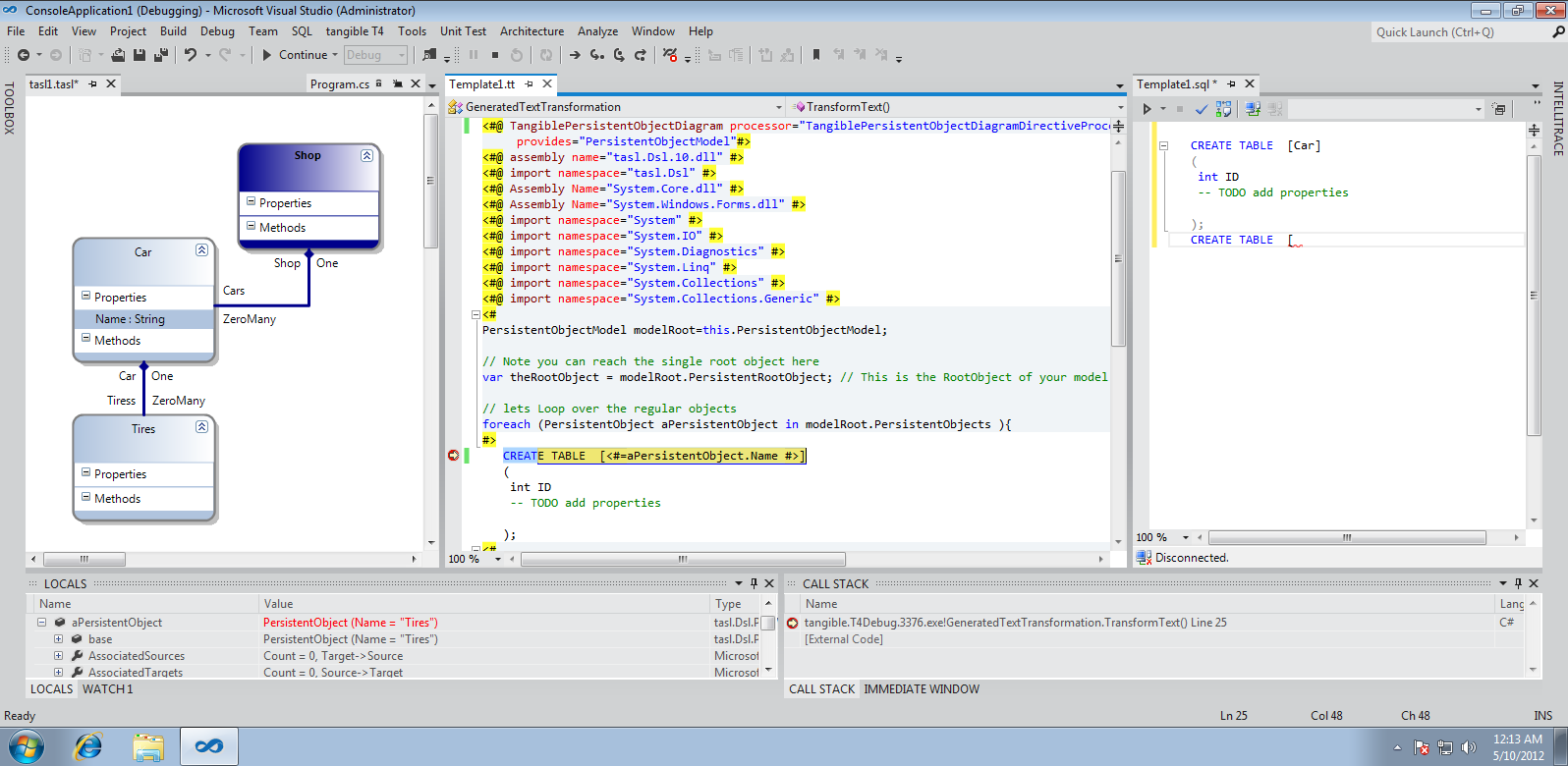
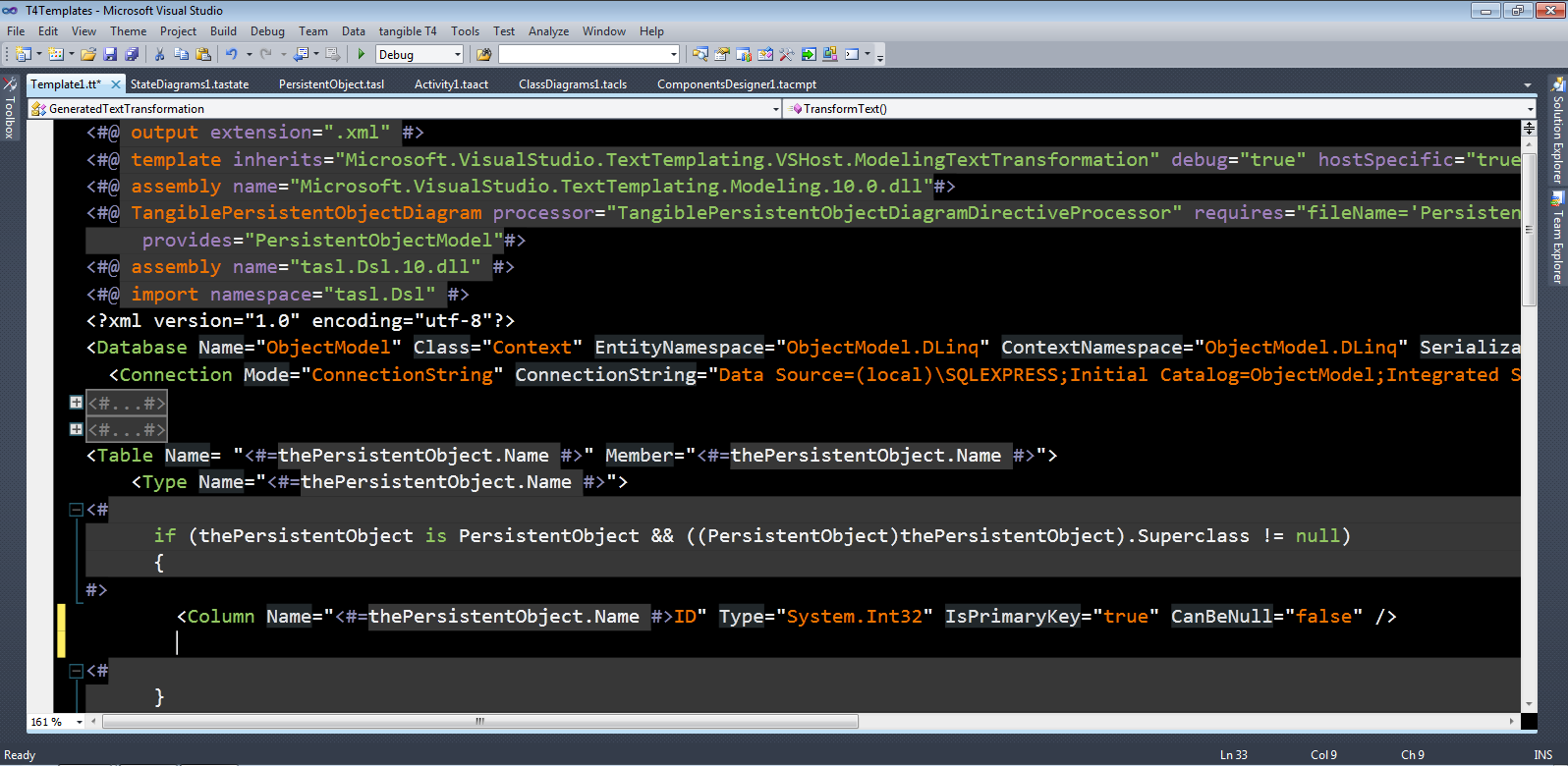
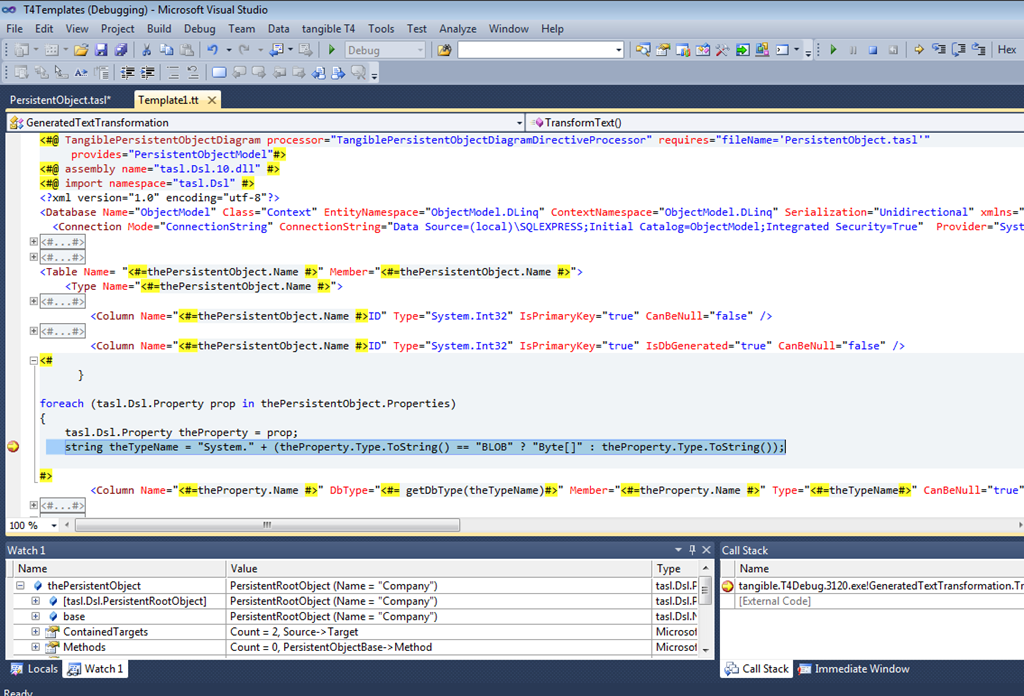
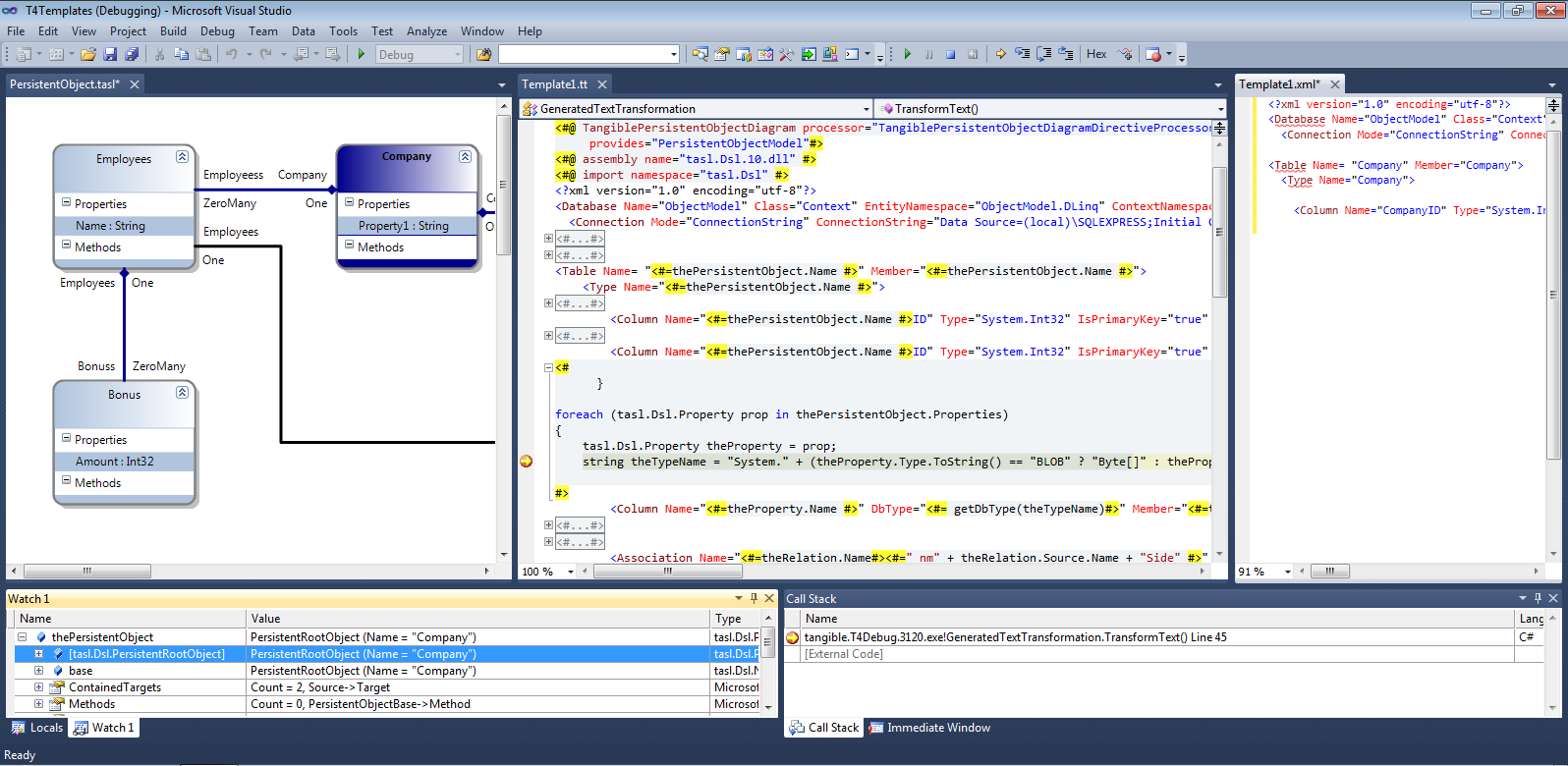
tangible T4 Editor features include Syntax Highlighting, Statement Completion, Error Reporting, a Template Gallery as well as Debugging features and UML-Style modeling tools.
Tips & Tricks
T4 Training Resources
- T4 Tutorials
- Autotransform templates on build
- Generate multiple output files
- Generate stored Procedures
- Generate from UML Models
News, Posts & Releases
Up to date information
- Release of T4 Editor 2.5.0
- Release of T4 Editor 2.4.0
- Release of T4 Editor 2.3.0
- Release of T4 Editor 2.2.5